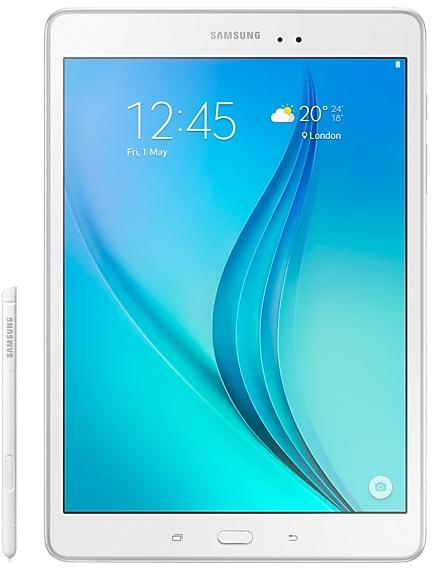
Samsung Galaxy Tab A P550XXU1AOI1 Firmware
Samsung Galaxy Tab A P550XXU1AOI1 is an Android 5.0.2 (Lollipop) firmware for Malaysia (XME). It is the same firmware configured per region and carrier (CSC). Find your country below, verify the file and download for free. Compared with the previous build P550XXU1AOH2, Android and the bootloader binary are unchanged, so you can switch between the two in both directions. A newer build for SM-P550 is available: P550XXS1CTK4.
Bootloader binary 1. Flashing firmware with a lower binary is usually blocked by Samsung anti-rollback.
All regional downloads
Pick your region (CSC) to download the matching firmware package.
Device specifications
- Launched withAndroid
- Display diagonal24.6 cm (9.7")
- Display resolution1024 x 768 pixels
- Processor frequency1.2 GHz
- Rear camera resolution5 MP
- Rear camera typeSingle camera
- Front camera resolution2 MP
- Wi-Fi standardWi-Fi 4 (802.11n)
- Weight487 g
How to flash P550XXU1AOI1
- Install Samsung USB Drivers:Download Official Drivers
- Download Odin Flash Tool:
- P550XXU1AOI1 has bootloader binary 1. Your device must run binary 1 or lower: it is the 5th character from the end of your current build number.
- CSC: Use CSC for a clean install, to change the region (CSC code), to downgrade or to repair a device that does not boot.
- HOME_CSC: Use HOME_CSC to update the same model and region while keeping your data. Back up anyway: a failed update can still require a reset.
- The Download Mode key combo depends on the model: see all combos.
Frequently Asked Questions
Other builds and changelog for Samsung Galaxy Tab A
Show 15 older builds
· Device stability improvements, bug fixes.
· New and / or enhanced features.
· Further improvements to performance.
- Removed the Baidu Maps app.
- The latest Android security patch has been applied.
ㆍDevice security has been further enhanced.
- Samsung Cloud service was terminated, after On January 20 day in 2017.
• Cloud interworking task of the My files and gallery was deleted.
- The latest Android security patch has been applied.
• Device security has been further enhanced.
• Improved performance
- S Planner application is updated.
- S Browser application is updated.
- Sinaweibo application is updated.
• The latest Android security patch has been applied.
- Device security has been further enhanced.