
Download Samsung Firmware SM-M205FN
Samsung Galaxy M20
The latest firmware for Samsung Galaxy M20 (SM-M205FN) is M205FNXXS9CVJ4 with Android 10, released on October 18, 2022 for 1 region (CSC). Every official firmware build for SM-M205FN, newest first: one row per build with all regions (CSC) that received it.
- Builds
- 50 builds
- Regions (CSC)
- 16 regions
Firmware builds for SM-M205FN
- CAU
- NEE
- SEK
- SER
- SEK
- CAUSEK
- SER
- NEE
- NEE
- CAUSEK
- SER
- AUTCAUSEK
- SER
- AUTCAUSEK
- SER
- AUTCAUSEK
- SER
- AUTCAUSEK
- SER
- SER
- AUTCAUSEK
- AUTCAUSEK
- SER
- AUTCAUSEK
- LUX
- AUTCAUSEK
- SER
- ATOORX
- SER
- DBTITVPHETPHXEZ
- SER
- AUTCAUSEK
- ROM
- SER
- SEK
- DBTITVPHEROMTPHXEZ
- PHNROM
- SER
Each firmware build has its own page at https://samfirm.shop/build/{PDA}, where {PDA} is the build number from the list above. Example: https://samfirm.shop/build/M205FNXXS9CVJ4
SM-M205FN update history
SM-M205FN started on Android 8 and has received 2 major Android upgrades; it now runs Android 10. The newest build, M205FNXXS9CVJ4, was released on October 18, 2022 with the October 2022 security patch. No new build has appeared for 49 months, so regular updates for this model have most likely ended.
Device specifications
- Display diagonal
- 16 cm (6.3")
- Display resolution
- 1080 x 2340 pixels
- Display type
- TFT
- RAM
- 3 GB
- Rear camera resolution
- 13 MP
- Rear camera type
- Dual camera
- Battery capacity
- 5000 mAh
- Weight
- 186 g
Specifications of SM-M205F, a regional variant of the same device. Chipset and SIM lines are left out: they can differ by region.
Changelog for SM-M205FN
• Security
The device is protected with improved security.
• The security of your device has been improved.
- M205FNEES9CVJ2Oct 18, 2022
- M205FNEES9CVJ1Oct 18, 2022
- M205FNPUS9CVI1Oct 18, 2022
- M205FNXXS9CVJ4Oct 18, 2022
• An emergency alert (Emergency Cell Broadcast) feature has been added in Ukraine.
· The security of your device has been improved.
- M205FNEES8CVC2May 11, 2022
- M205FNEES8CVC1May 11, 2022
- M205FNXXS8CVC4May 11, 2022
- M205FNPUS8CVC3May 10, 2022
• The security of your device has been improved.
- M205FNEEU8CUH1Oct 4, 2021
- M205FNXXU8CUH1Sep 24, 2021
- M205FNEEU8CUG1Aug 11, 2021
- M205FNPUU8CUG1Jul 31, 2021
- M205FNEES7CUB1Apr 10, 2021
- M205FNXXS7CUB1Mar 18, 2021
Show 14 older builds
· The security of your device has been improved.
- M205FNPUS7CUB1Mar 4, 2021
- M205FNXXS6CTI4Oct 19, 2020
- M205FNEES6CTI4Oct 16, 2020
- M205FNPUS6CTI3Oct 15, 2020
• The security of your device has been improved.
- M205FNXXU6CTH1Sep 3, 2020
- M205FNEEU6CTH1Sep 2, 2020
· The security of your device has been improved.
One UI Core 2 brings you Android 10, with exciting new features from Samsung and Google based on feedback from users like you.
We recommend that you back up your important data to keep it safe during the upgrade.
Some apps, including Calculator, Samsung Internet, Samsung Health and Samsung Notes, need to be updated individually after you update your OS.
Here's what's new.
Dark mode
- Night mode name changed to Dark mode.
- Enhanced image, text, and color...
- M205FNXXU3CTA3Feb 8, 2020
- M205FNEEU3CTA3Feb 7, 2020
- M205FNPUU3CSL5Dec 24, 2019
· The security of your device has been improved.
- M205FNXXU3BSK1Dec 11, 2019
- M205FNPUU3BSK1Nov 29, 2019
- M205FNEEU3BSK1Nov 27, 2019
- M205FNXXU2BSI2Oct 26, 2019
Similar Models
- https://samfirm.shop/model/SM-M205N
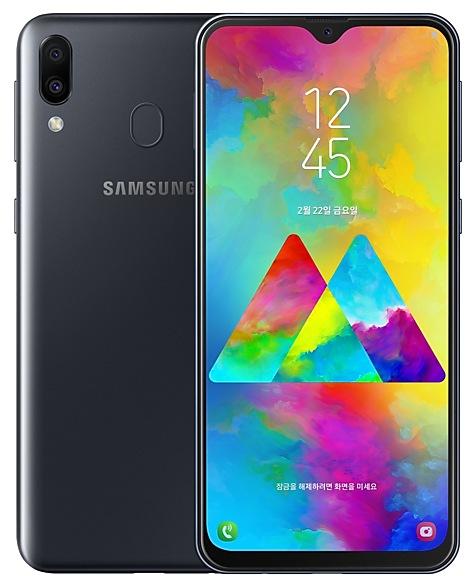
Samsung Galaxy M20
SM-M205N
- https://samfirm.shop/model/SM-M215G

Samsung Galaxy M21 2021 Edition
SM-M215G
- https://samfirm.shop/model/SM-M307FN
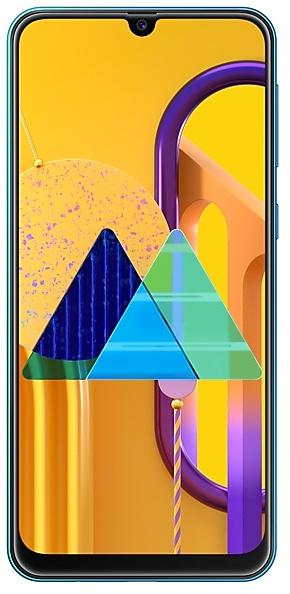
Samsung Galaxy M30s
SM-M307FN
- https://samfirm.shop/model/SM-M305M
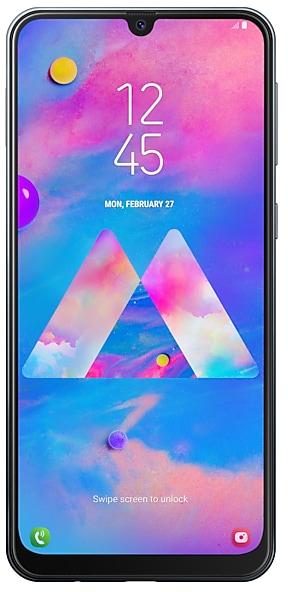
Samsung Galaxy M30
SM-M305M
- https://samfirm.shop/model/SM-M107F
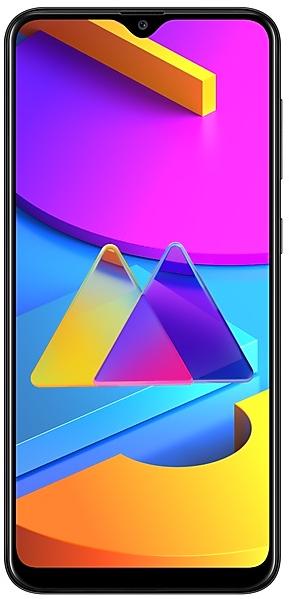
Samsung Galaxy M10s
SM-M107F


Frequently Asked Questions
What is the latest Android version for SM-M205FN?
The newest firmware for SM-M205FN runs Android 10: build M205FNXXS9CVJ4, released on October 18, 2022.
When did SM-M205FN get its last update?
The latest build for SM-M205FN, M205FNXXS9CVJ4, was released on October 18, 2022 (4 years ago).
How often does SM-M205FN get updates?
SM-M205FN has had no new firmware for 49 months, so regular updates have most likely ended.
Is the firmware for SM-M205FN official?
Yes, all firmware files for SM-M205FN are 100% official, original, and obtained directly from Samsung servers.
How to flash Samsung SM-M205FN using Odin?
To flash SM-M205FN, you need to download the appropriate firmware, put your device into Download Mode, and use the Odin tool to load the BL, AP, CP, and CSC files.
Can I downgrade the Android version on SM-M205FN?
Downgrading is only possible if the bootloader version (binary bit) of the old firmware matches the current one. Always check the binary version before flashing SM-M205FN.