
Download Samsung Firmware SM-X510N
Samsung Galaxy Tab S9 FE, 6GB RAM +
Every official firmware build for SM-X510N, newest first: one row per build with all regions (CSC) that received it.
Firmware builds for SM-X510N
Device specifications
- Launched with
- Android 13
- Display diagonal
- 27.7 cm (10.9")
- Display resolution
- 2304 x 1440 pixels
- Processor frequency
- 2.4 GHz
- Processor family
- Samsung Exynos
- Processor model
- 1380
- Rear camera resolution
- 8 MP
- Rear camera type
- Single camera
- Front camera resolution
- 12 MP
- Wi-Fi standard
- Wi-Fi 6 (802.11ax)
- Weight
- 523 g
1 retail code (SKU)
Box codes of SM-X510N for different colors and markets. Firmware is chosen by the model code SM-X510N and your region (CSC), not by the SKU.
- SM-X510NZAEXAC
Similar Models
- https://samfirm.shop/model/SM-X510
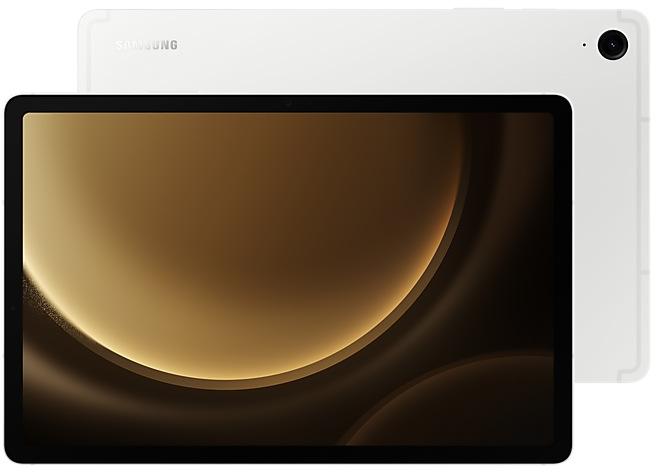
Samsung Galaxy Tab S9 FE
SM-X510
- https://samfirm.shop/model/SM-X516N

Samsung Galaxy Tab S9 FE 5G
SM-X516N
- https://samfirm.shop/model/SM-X610N

Samsung Galaxy Tab S9 FE+, 8GB RAM +
SM-X610N
- https://samfirm.shop/model/SM-X520N

Samsung Galaxy Tab S10 FE, 128GB, Blue
SM-X520N
- https://samfirm.shop/model/SM-X528U

Samsung Galaxy Tab S10 FE 5G
SM-X528U


Frequently Asked Questions
🤗 Where can I find the Samsung firmware for model SM-X510N?
You can find the firmware on the model: SM-X510N page.
Is the firmware for SM-X510N official?
Yes, all firmware files for SM-X510N are 100% official, original, and obtained directly from Samsung servers.
How to flash Samsung SM-X510N using Odin?
To flash SM-X510N, you need to download the appropriate firmware, put your device into Download Mode, and use the Odin tool to load the BL, AP, CP, and CSC files.
Can I downgrade the Android version on SM-X510N?
Downgrading is only possible if the bootloader version (binary bit) of the old firmware matches the current one. Always check the binary version before flashing SM-X510N.