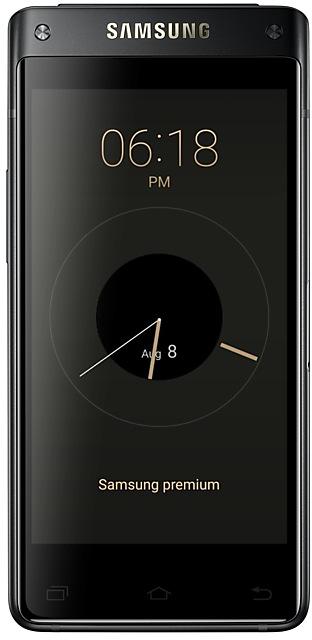
Samsung Galaxy G9298ZCU1ARC2 Firmware
Samsung Galaxy G9298ZCU1ARC2 is an Android 6.0.1 (Marshmallow) firmware for China (CHC). It is the same firmware configured per region and carrier (CSC). Find your country below, verify the file and download for free. Compared with the previous build G9298ZCU1AQK2 https://samfirm.shop/build/G9298ZCU1AQK2, Android and the bootloader binary are unchanged, so you can switch between the two in both directions. A newer build for SM-G9298 is available: G9298ZCU1ARG2 https://samfirm.shop/build/G9298ZCU1ARG2.
Bootloader binary 1. Flashing firmware with a lower binary is usually blocked by Samsung anti-rollback.
All regional downloads
Pick your region (CSC) to download the matching firmware package.
How to flash G9298ZCU1ARC2
- G9298ZCU1ARC2 has bootloader binary 1. Your device must run binary 1 or lower: it is the 5th character from the end of your current build number.
- CSC: Use CSC for a clean install, to change the region (CSC code), to downgrade or to repair a device that does not boot.
- HOME_CSC: Use HOME_CSC to update the same model and region while keeping your data. Back up anyway: a failed update can still require a reset.
- The Download Mode key combo depends on the model: see all combos.
What's new in G9298ZCU1ARC2
- Improved performance
ㆍSamsung account will be updated.
- The latest Android security patch has been applied.
ㆍDevice security has been further enhanced.
Frequently Asked Questions
Other builds and changelog for Samsung Galaxy
- Improved performance
ㆍSohu news and Samsung Notes APP will be updated.
- The latest Android security patch has been applied.
ㆍDevice security has been further enhanced.
- The name of Fast charging has been changed.
( Fast charging → advanced charging. )
- The latest Android security patch has been applied.
ㆍDevice security has been further enhanced.
- Improved performance
ㆍSamsung account will be updated.
- The latest Android security patch has been applied.
ㆍDevice security has been further enhanced.
- Activiation feature is added, the device must be activiated before using it.
( If there is no connection to the data, the setupwizard can not be ended. )
- The latest Android security patch has been applied.
ㆍDevice security has been further enhanced.
ㆍThe latest Android security patch has been applied.
- Device security has been further enhanced.
Show 2 older builds
- E-mail application and Samsung Notes application are changed to deletable.
( But the widgets of them may disappear after FOTA, need to add them again. )
- Other bug fixes
ㆍFixed an issue that QQ can not be installed with social app key.
- The latest Android security patch has been applied.
ㆍDevice security has been further enhanced.