
Download Samsung Firmware SM-W2016
Samsung W2016
Every official firmware build for SM-W2016, newest first: one row per build with all regions (CSC) that received it.
- Builds
- 9 builds
- Regions (CSC)
- 1 region
Firmware builds for SM-W2016
- CTC
- CTC
- CTC
- CTC
- CTC
- CTC
- CTC
- CTC
- CTC
Each firmware build has its own page at https://samfirm.shop/build/{PDA}, where {PDA} is the build number from the list above. Example: https://samfirm.shop/build/W2016KEU1ARL1
Changelog for SM-W2016
- The latest Android security patch has been applied.
ㆍDevice security has been further enhanced.
- My Knox service will terminate after updating.
( Existing installation My Knox application can be used and reinstalling is impossible. )
- Added new feature
ㆍ" 心系天下" app will be added.
- The latest Android security patch has been applied.
ㆍDevice security has been further enhanced.
- The latest Android security patch has been applied.
ㆍDevice security has been further enhanced.
- Improved performance
ㆍImproved performance with efficient memory management
- The latest Android security patch has been applied.
ㆍDevice security has been further enhanced.
Show 3 older builds
- Improved performance
ㆍThe performance of Touch key has been improved
ㆍUpdate 2017 year's holiday calendar
- Other bug fixes
ㆍFixes the issue that need setup WLAN network again after connect WLAN success
- The latest Android security patch has been applied.
ㆍDevice security has been further enhanced.
- Improved performance
ㆍThe performance of NFC has been improved
- Other bug fixes
ㆍFixes the issue that call terminated on easy mode
ㆍFixes the issue that wrong sentence of it is displaying when trying to use WLAN
ㆍFixes the issue that handwriting input first character is deleted when select symbol on the keyboard after handwriting and input any character.
- The latest Android security patch has been applied.
ㆍDevice security has been further enhanced.
- apply the Andriod regular security patch
- Improved performance with efficient memory management
ㆍOptimized closing unused applications
Similar Models
- https://samfirm.shop/model/SM-W2018X

Samsung SM-W2018
SM-W2018X
- https://samfirm.shop/model/SM-W2022
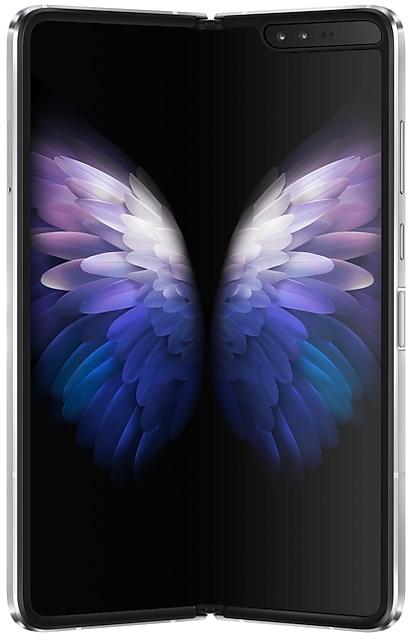
Samsung 三星 W22 5G
SM-W2022
- https://samfirm.shop/model/SM-W7025

Samsung W25 Flip
SM-W7025
- https://samfirm.shop/model/SM-W9025

Samsung W25
SM-W9025


Frequently Asked Questions
🤗 Where can I find the Samsung firmware for model SM-W2016?
You can find the firmware on the model: SM-W2016 page.
Is the firmware for SM-W2016 official?
Yes, all firmware files for SM-W2016 are 100% official, original, and obtained directly from Samsung servers.
How to flash Samsung SM-W2016 using Odin?
To flash SM-W2016, you need to download the appropriate firmware, put your device into Download Mode, and use the Odin tool to load the BL, AP, CP, and CSC files.
Can I downgrade the Android version on SM-W2016?
Downgrading is only possible if the bootloader version (binary bit) of the old firmware matches the current one. Always check the binary version before flashing SM-W2016.