Download Samsung Firmware SM-S135DL
Samsung Galaxy A03s
The latest firmware for Samsung Galaxy A03s (SM-S135DL) is S135DLUDS8AYI1 with Android 13, released on October 6, 2025 for 2 regions (CSC). Every official firmware build for SM-S135DL, newest first: one row per build with all regions (CSC) that received it.
- Builds
- 8 builds
- Regions (CSC)
- 2 regions
Firmware builds for SM-S135DL
- TFNTFV
- TFNTFV
- TFNTFV
- TFNTFV
- TFNTFV
- TFNTFV
- TFNTFV
- TFNTFV
Each firmware build has its own page at https://samfirm.shop/build/{PDA}, where {PDA} is the build number from the list above. Example: https://samfirm.shop/build/S135DLUDS8AYI1
SM-S135DL update history
All 8 builds in our database run Android 13. The newest build, S135DLUDS8AYI1, was released on October 6, 2025 with the July 2025 security patch. That patch (SMR Jul-2025) fixes 32 vulnerabilities, 1 of them critical. No new build has appeared for 12 months, so regular updates for this model have most likely ended.
Changelog for SM-S135DL
• Security
The device is protected with improved security.
These changes may vary depending on the model, country, or network operator of the customer environment.
• The security of your device has been improved.
- S135DLUDS7AYD2Apr 29, 2025
- S135DLUDS6AXJ2Nov 18, 2024
· The security of your device has been improved.
- S135DLUDS5AXF1Jun 28, 2024
- S135DLUDS4AXC4Mar 26, 2024
• Overall stability of your device has been improved.
• The security of your device has been improved.
• The security of your device has been improved.
Similar Models
- https://samfirm.shop/model/SM-S136DL

Samsung Galaxy A13 5G
SM-S136DL
- https://samfirm.shop/model/SM-S134DL
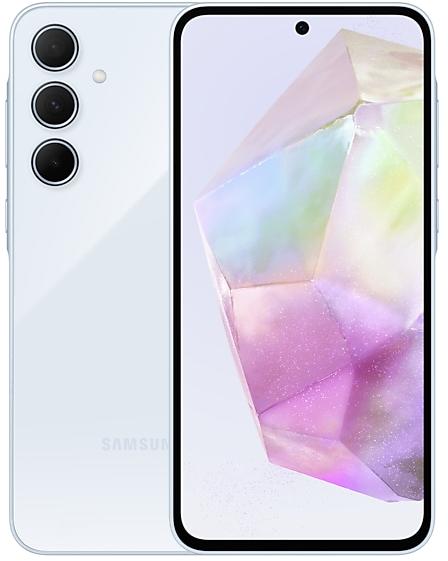
Samsung Galaxy A03s
SM-S134DL
- https://samfirm.shop/model/SM-S236D

Samsung Galaxy A23 5G
SM-S236D
- https://samfirm.shop/model/SM-S146VL

Samsung Galaxy A14 5G
SM-S146VL
- https://samfirm.shop/model/SM-S124DL

Samsung Galaxy A02s
SM-S124DL


Frequently Asked Questions
What is the latest Android version for SM-S135DL?
The newest firmware for SM-S135DL runs Android 13: build S135DLUDS8AYI1, released on October 6, 2025.
When did SM-S135DL get its last update?
The latest build for SM-S135DL, S135DLUDS8AYI1, was released on October 6, 2025 (1 year ago).
How often does SM-S135DL get updates?
SM-S135DL has had no new firmware for 12 months, so regular updates have most likely ended.
Is the firmware for SM-S135DL official?
Yes, all firmware files for SM-S135DL are 100% official, original, and obtained directly from Samsung servers.
How to flash Samsung SM-S135DL using Odin?
To flash SM-S135DL, you need to download the appropriate firmware, put your device into Download Mode, and use the Odin tool to load the BL, AP, CP, and CSC files.
Can I downgrade the Android version on SM-S135DL?
Downgrading is only possible if the bootloader version (binary bit) of the old firmware matches the current one. Always check the binary version before flashing SM-S135DL.